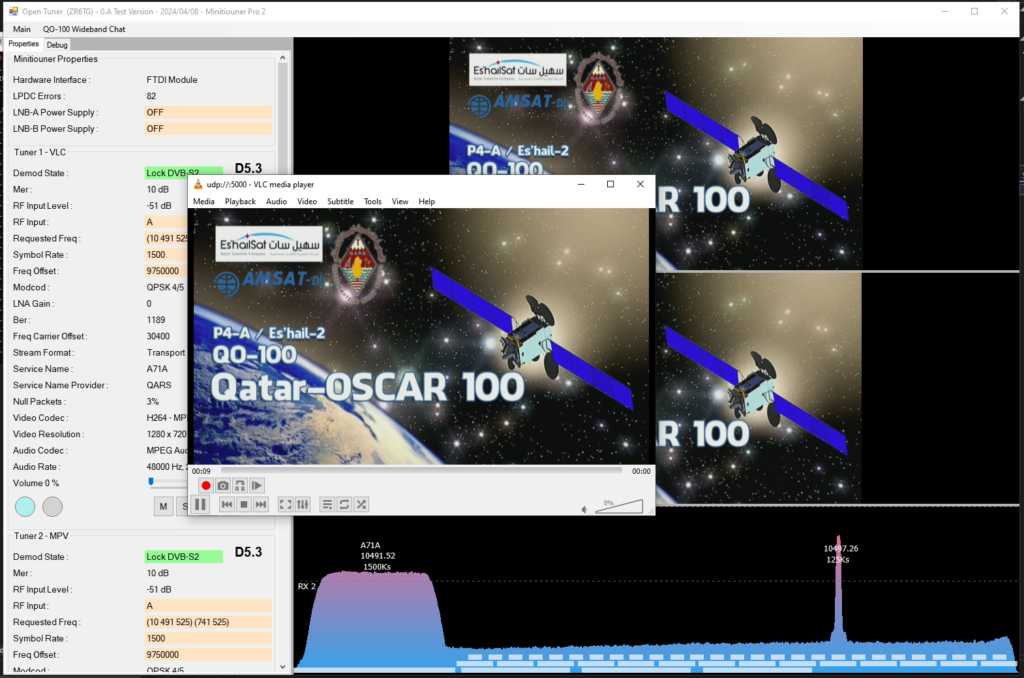
OpenTuner can output the transport data received from a locked on signal on a UDP for use with other players or for use in OBS.
You need to configure the ip/ports in the Main Settings.
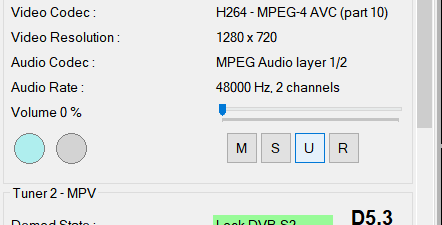
To start streaming select the “U” button in the tuner properties
VLC Example
Configure your main settings with 127.0.0.1 as the ip and 5000 as the port. When you are locked on to a signal press the “U” button and then open the UDP stream in vlc using udp://@:5000 and then it will start playing the received data. You can do a UDP stream output for each of the tuners in your source.